Content batching is the habit of planning, writing, and producing several pieces of social media content in one focused session, then scheduling them out over the days and weeks that follow, so daily social work is mostly review and posting instead of inventing every post from scratch on the morning it goes live.
What is content batching?
Content batching is a production habit. Instead of starting a new post from nothing every day, you sit down for a longer block of time, pull together your topics, write the captions, build the visuals, and line up a run of posts before any of them are due to publish. The deliverables look the same as posting day by day. The work behind them feels completely different.
The reason people reach for batching is almost always the same. Social media made out of small, daily decisions is a slow tax on attention. You start a post, get distracted by a notification, half-finish a caption, promise yourself you will pick it up tomorrow, and then tomorrow brings a new fire. Batching collapses those tiny starts and stops into one bigger start, which is how people end up creating two weeks of content in less time than the previous two weeks took.
Batching is usually done across the same content type at the same time: all the captions in one block, all the carousels in another, all the short videos on one filming day. The pattern matters because the brain is slow at switching modes. Writing copy and editing video use very different parts of the day, and trying to do both inside one hour is the quickest way to do neither well.
Why do creators and teams batch content?
Batching does not exist for its own sake. It exists because the alternative, posting on the day, leaves most creators publishing less, publishing later, or publishing posts that are clearly written between two other tasks. The benefits show up quickly, and they are practical rather than dramatic.
Steadier publishing
When the next two weeks are already in the queue, a busy Wednesday does not turn into a missed post. Consistency does more for an account than any single clever idea.
Fewer context switches
Writing one caption costs a small amount of attention. Writing fifteen captions in one sitting does not cost fifteen times as much, because you only enter and exit writing mode once.
Room for actual thinking
A batch session forces you to look at posts together. Patterns, gaps, and weak ideas get visible, which would be impossible if every post lived in its own browser tab on its own day.
Less daily anxiety
The post-it-now treadmill is a stress source most social managers underrate. Batching turns the daily question from 'what should I post' to 'is the next scheduled post still right'.
Cleaner reporting
Posts batched against clear themes are easier to compare later. A week of posts that share a campaign tag, a topic, or a content pillar gives an honest read on what is actually working.
Teams gain something extra. A solo creator can hold the whole plan in their head, but a team needs the plan written down somewhere everyone can see. Batching forces the topics, the captions, and the visuals into a shared place, which is how a content manager, a designer, and a client end up looking at the same week instead of three different guesses about it.
How do you batch social media content?
A useful batch day is less about templates and more about stages. The same order works whether you are a creator handling one account or a social media manager covering a roster, and the gap between a chaotic batch day and a calm one usually comes down to doing each stage completely before starting the next.
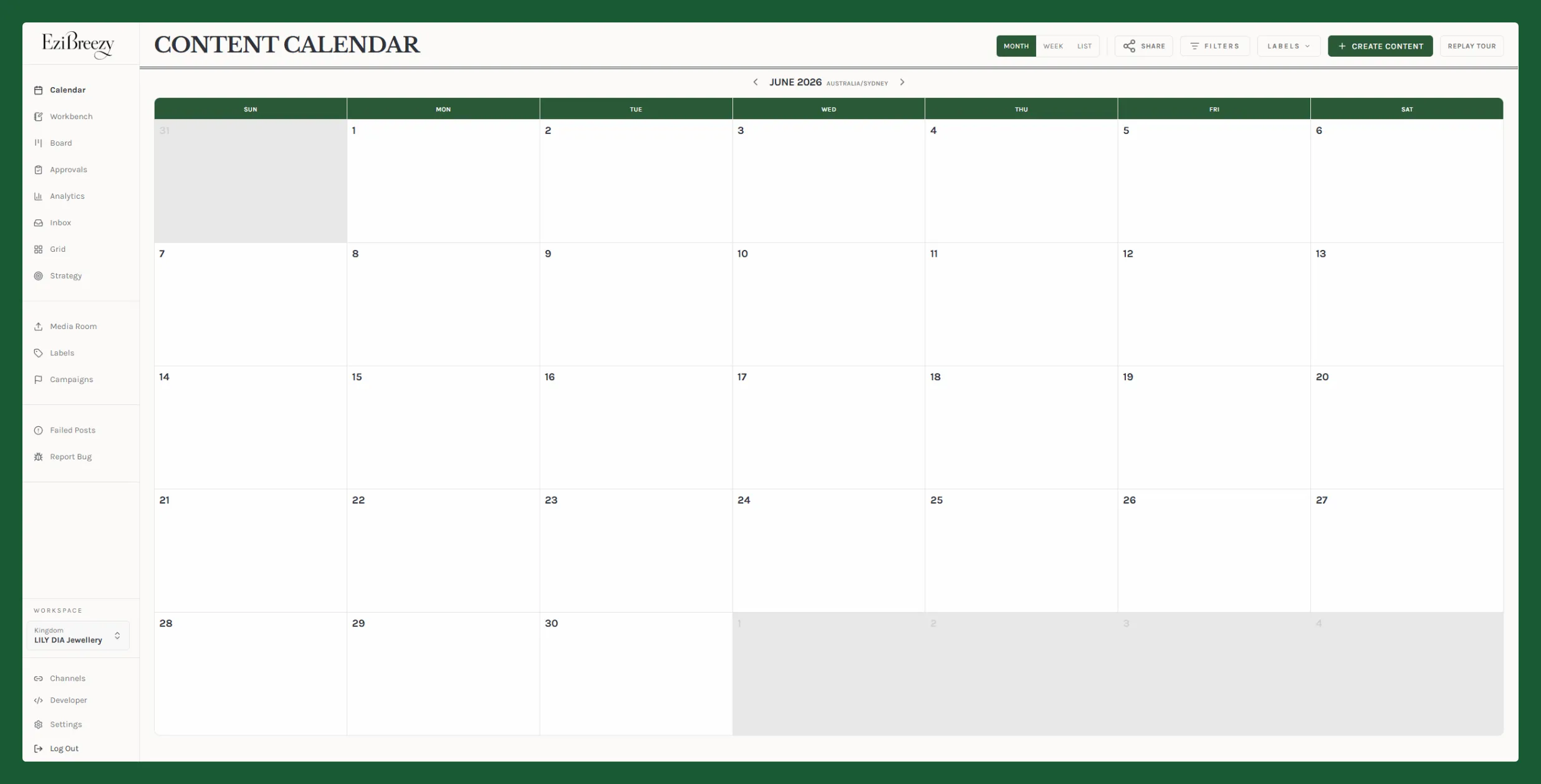
- Open the calendar and decide the period the batch will cover. Two weeks is a comfortable default. Mark anything fixed first: launches, events, holidays, campaigns already promised.
- Brainstorm topics against your content pillars. Sit with the list long enough to throw the weak ones out. A batch day is the cheapest time to kill a bad idea.
- Write every caption in one block. Keep a tab open with last month's best posts for reference, and write platform variants together so they share a voice.
- Produce visuals in their own block. Photos, carousels, graphics, and covers are all design work and belong in the same session. Save source files so you can repurpose later.
- Film and edit video on a separate day if possible. Lighting, audio, and on-camera energy do not survive being squeezed between two other jobs.
- Load the posts into a content calendar or scheduler. Confirm the order across platforms so the same post does not crash into a campaign or an evergreen scheduled run.
- Send for review if anyone else has a say. A drafts and approvals step is what stops batched work from becoming batched mistakes.
- Block thirty minutes in the day or two before each posting day to check that the batched post still makes sense. The world moves while you sleep, and a quick read prevents the awkward post.
How much content should you batch at a time?
Most accounts run aground in one of two directions: batching so little that the habit barely pays for itself, or batching three months at a time and watching half the queue go stale before it posts. The healthy middle moves with the account and the platform mix.
Solo creator with one or two platforms
Two weeks at a time is a comfortable batch. One half-day of writing and design will cover it, with a short top-up session each Friday for anything timely.
Small business with three to five platforms
Plan in two-week sprints, batch evergreen content monthly, and reserve a thin daily slot for replies, comments, and reactive posts.
Agency or in-house team with several brands
Run a fortnightly batch per client with stages: a kickoff brief, a writing day, a design day, a review day. The whole loop should fit inside one working week without anyone working late.
Evergreen and educational libraries
These can sit further out, six to twelve weeks if the topic does not depend on a current trend. Build them as their own batch instead of mixing them into the campaign queue.
A simple test is to look at the oldest scheduled post in the queue and ask whether you would still write it today. If the answer is no for more than one or two posts, the batch window is too long.
What is the difference between batching, scheduling, and repurposing?
These three habits are often described together, and they cooperate well, but they are doing different jobs. Mixing them up is part of why batching gets a bad reputation it does not deserve.
Batching. Producing a run of posts in one focused session, before any of them are due to go out.
Scheduling. Setting a future publish time for a finished post, often through a tool like a scheduler that pushes the post to the platform automatically.
Repurposing. Reworking one piece of content into another format or for another platform: a long video into clips, a blog into a carousel, a podcast into quotes and captions.
A complete weekly habit usually uses all three. Batching produces the posts. Repurposing stretches a strong piece across more surfaces. Scheduling delivers them on a calmer rhythm than the doom-scroll attention curve would otherwise force.
What content should you not batch?
Batching is a strong default, but it is not a universal answer. Some content is supposed to be made on the day, by the person watching the moment unfold, and forcing it into a batch flattens the thing that made it worth posting.
Reactive posts and topical commentary
If the value of a post is that it lands while a conversation is still hot, scheduling it three days out usually misses the point.
News, announcements, and pricing
Anything that might change before publish day belongs in a same-day workflow. A scheduled wrong number is worse than a late right one.
Customer replies and community management
Comments, DMs, and replies need a human at the keyboard. They are conversations, not a queue.
Trend-jacking and audio jumps
By the time a trend is batched, it is usually over. Trend content is the part of the calendar where speed beats polish.
Crisis and sensitive moments
If something happens that affects the audience, the scheduled queue should pause before it sends a tone-deaf post into the feed.
A useful guardrail is to keep a short list of post types that are allowed to skip the batch and post the same day. Every account has them. Writing them down stops the team from arguing about exceptions in the moment.
What tools do you need to batch content?
You can batch with very little. A document, a folder of images, and a list of dates is enough to prove the habit works. Tools start to earn their keep when the batch covers more than one platform, more than one person, or more than one client, and when the same post needs to be reviewed, edited, scheduled, and reported on without rebuilding the plan three times.
A planning surface
A shared social media calendar or strategy document where topics, pillars, and campaign dates live in one place. A spreadsheet works. A real calendar view works better.
A writing space
Captions are easier to write side by side than one at a time. A drafts area, a Google Doc, or a long-form composer with platform previews makes the writing block faster.
A visual workflow
Canva, Figma, Photoshop, or a phone editor for video. If Instagram order matters, an Instagram grid planner lets you see the next two weeks before the audience does.
A scheduler
A scheduler that supports the platforms you actually use, handles drafts cleanly, and survives the occasional API hiccup. The composer and calendar are where the batch finally turns into a published rhythm.
An approvals flow when a team or client is involved
A drafts and approvals step keeps batched work from going live with a typo, the wrong link, or the wrong product name.
Platform documentation is worth keeping bookmarked while you batch. Meta covers scheduling and drafts in Meta Business Suite, LinkedIn explains how its native scheduling works, and TikTok introduces the Video Scheduler on its For Business blog. Knowing what each platform does and does not allow saves you from building a batch the platform will reject.
What mistakes should you avoid when batching?
Most batching failures come from the same handful of habits, and most of them are easy to fix once you see them written down.
Batching for the sake of it
A queue full of beige posts is worse than three good ones spaced out. Quality of the batch still beats quantity of the batch.
Batching across too long a window
Anything more than four to six weeks out is at risk of going stale. Save longer queues for evergreen content that does not date.
Skipping the pre-publish check
A scheduled post needs a quick read the day before. Pricing changes, news lands, links break. Five minutes saves the apology email.
Mixing modes inside one block
Writing, designing, filming, and reporting in the same hour usually means none of them happen well. Give each its own time.
Treating batching as a one-off rescue
Batching pays off as a habit, not a heroic Sunday session. A repeating slot in the calendar beats a panic batch every six weeks.
Ignoring the analytics afterwards
A batch has no learning loop unless you read the results. Loop in social media analytics so the next batch knows what to keep, what to cut, and what to test.
Content batching FAQ
How long does it take to batch a week of social media content?
A focused creator with a clear plan can usually batch a week of social content in two to four hours once captions, visuals, and platform variants are part of the same session. A team batching for several clients should expect a half-day to a full day, because review, approvals, and feedback loops cost time even when the writing and design are fast.
Does batched content perform worse than posting in real time?
No. Platforms do not penalize scheduled or batched posts. Performance depends on the post itself, the audience, and the format. Batching only hurts when the content sits in a queue while the topic, product, or moment behind it has already moved on.
How far in advance should you batch content?
Two to four weeks is a healthy window for most creators and small teams. It is long enough to feel calm, short enough to stay relevant, and easy to adjust when news, launches, or platform changes land. Newsletters, evergreen carousels, and educational videos can sit further out. Reactive posts and topical commentary should not be batched at all.
Can you batch social media content as a team?
Yes, and a team usually benefits more than a solo creator. The trick is to batch in stages instead of one giant session: someone briefs the topics, someone writes, someone designs, someone reviews. A shared calendar, a draft board, and an approvals step keep the work moving without anyone holding up the next stage.
What content should you not batch?
Live news, customer replies, real-time reactions, trending audio jumps, and anything tied to a product or pricing change you have not finalized. Batching is for content where the message will still be true on the day it goes out.