X / Twitter Question
Why Can't You Schedule Posts On X Mobile?
Usually because you are inside the X mobile app rather than a workflow that officially supports scheduling. X's published scheduling docs point to X Pro and ads.x.com, while the app help docs still focus on posting and drafts.
Short answer
The most common reason is that the X mobile app does not include the same scheduling features as X Pro or ads.x.com. Those are web-based products. The app focuses on posting and drafts. There can also be account-level blockers: in ads.x.com, the Creatives tab does not appear until a credit card is on file, and only the account owner can unselect Promoted-only to schedule organic posts. In short, mobile scheduling usually fails because of the wrong interface, the wrong account role, or the wrong product path.
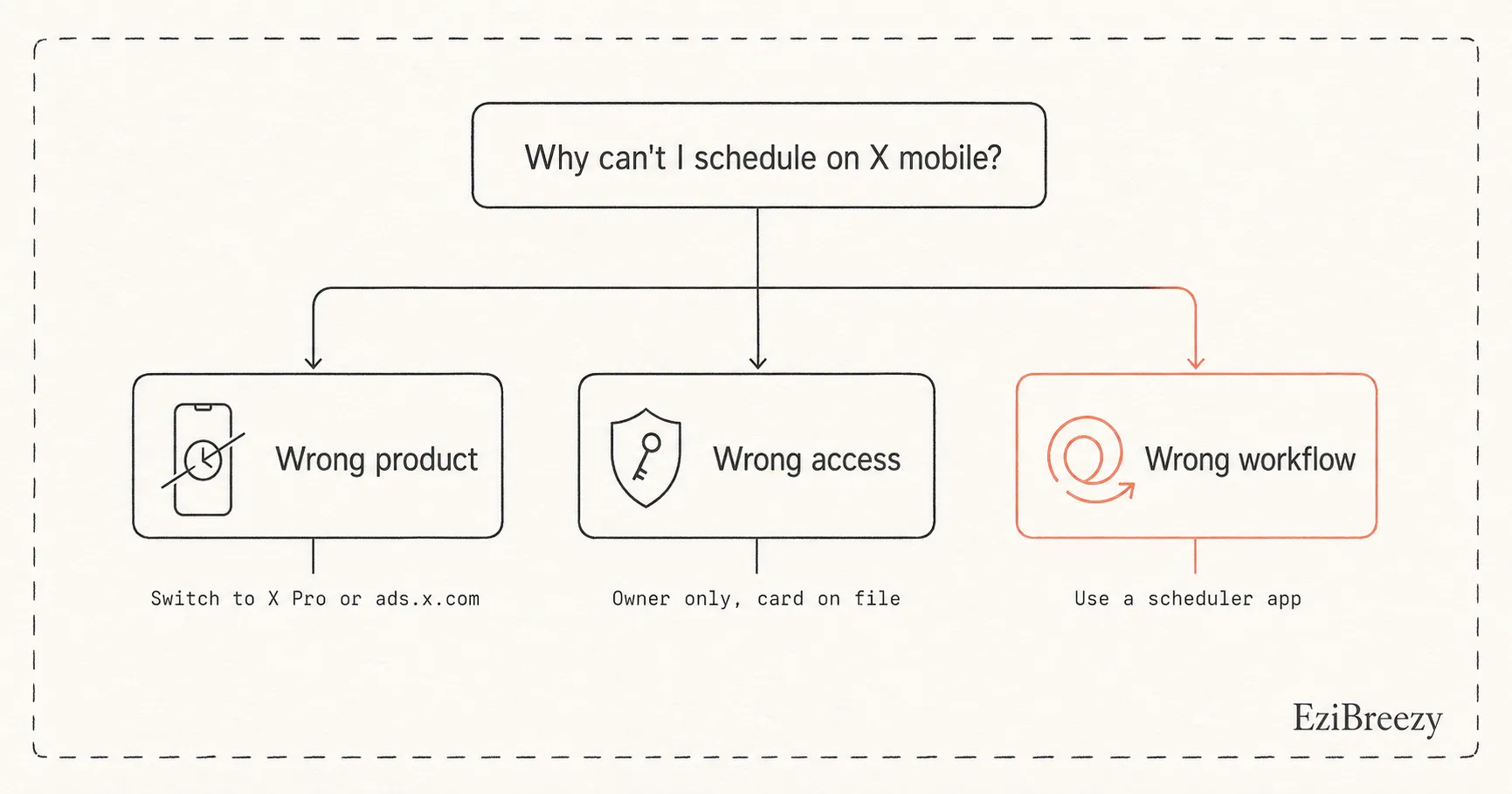
You may be in the wrong X product
The X mobile app is not the same thing as X Pro or ads.x.com. Scheduling lives in those web-based products, not in the standard app.
If you are looking for a schedule button inside the app composer, it is probably not a bug. The standard app simply does not include that feature. You need to switch to X Pro or ads.x.com.
You may have an access or account-role issue
The ads workflow adds another layer. The Creatives tab in ads.x.com only appears after a credit card is on file, and only the account owner can unselect Promoted-only to create an organic scheduled post.
So a team member or collaborator can be in the right place but still not have the right permissions. The workflow exists. The access just does not.
What to try next
First, check whether you actually need to be in X Pro or ads.x.com rather than the standard mobile app. Second, if you are using the ads path, confirm you are the account owner and that the account has the required setup. Third, if the real need is quick scheduling from a phone, stop forcing the native route and use a scheduler built for mobile queue management.
That last step is often the cleanest fix. A lot of X mobile scheduling pain is really workflow mismatch, not user error.
Next step
Avoid the native mobile scheduling dead ends
Use a workflow where X posts are easier to queue, edit, and publish without guessing which native surface supports what.
See the X workflowRelated links
Keep exploring the workflow
Twitter scheduler
Use a cleaner X queue instead of relying on scattered mobile and web-native paths.
Social media character counter
Pressure-test the post before you retry it in a cleaner scheduling workflow.
How to grow on Twitter
Keep mobile scheduling decisions tied to the bigger X content strategy.
Related questions
Continue inside the X / Twitter cluster
How do you schedule posts on X on mobile?
The practical options for scheduling X posts from your phone.
Can you schedule tweets without Premium?
Whether scheduling requires Premium or if free paths exist.
Where do you find scheduled posts on X?
Where to find your scheduled posts in X Pro and ads.x.com.