X / Twitter Question
How to Schedule Posts on X on Mobile
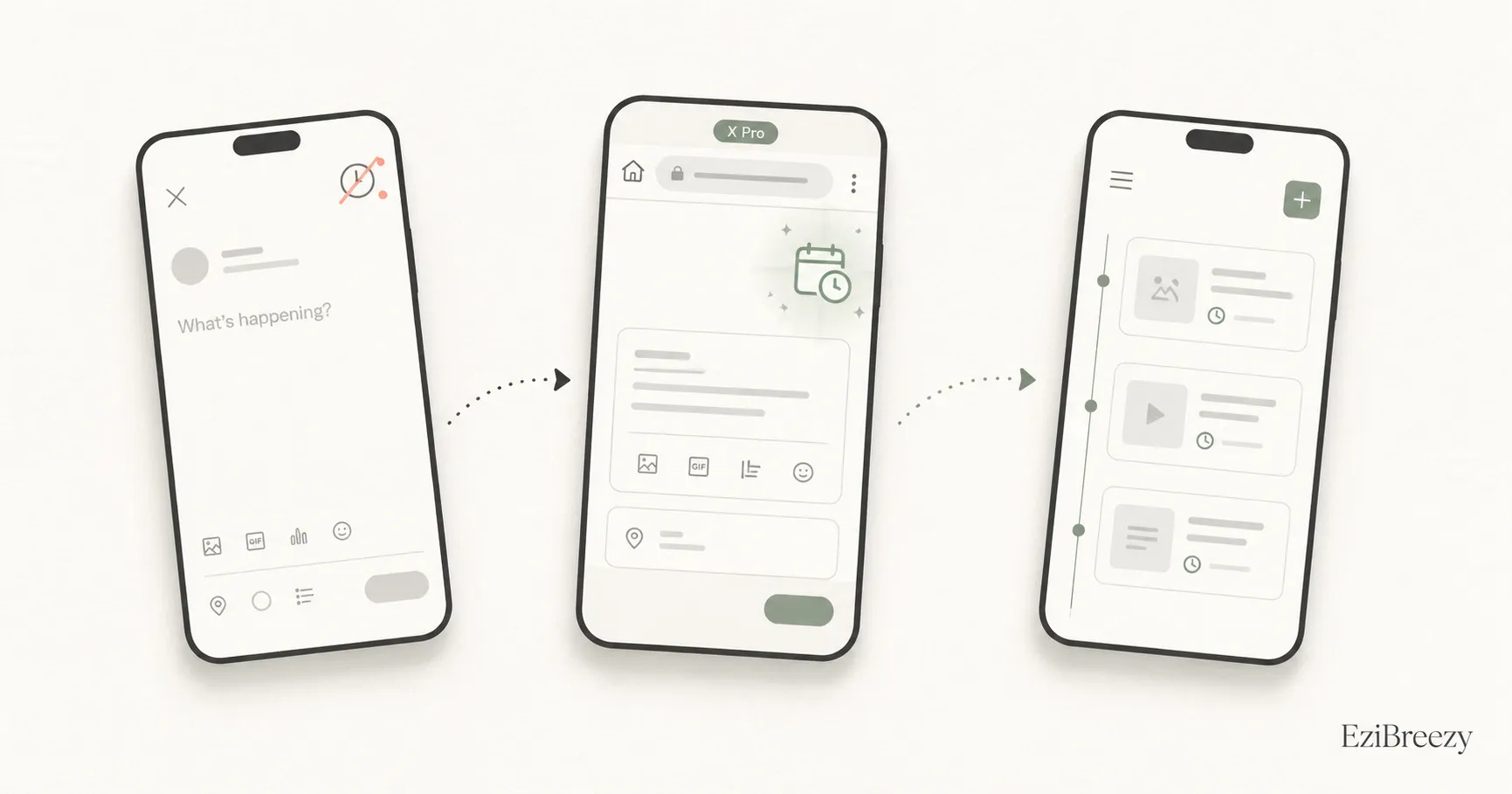
You generally cannot schedule a regular X post inside the X mobile app. For phone-based planning, use ads.x.com in a browser where available, a desktop-sized X Pro view, or a dedicated scheduler app.
Short answer
You generally cannot schedule a regular X post inside the X mobile app. X Pro scheduling is web-oriented and X Help says Pro is not available on mobile-sized views, so the practical phone options are ads.x.com where your account has access, a larger desktop-sized browser view, or a dedicated scheduler app.
Why the native mobile experience feels confusing
Many people expect the X mobile app to include the same scheduling controls they read about for X Pro or ads.x.com. But the X mobile app is focused on posting, replying, and drafts, not regular scheduled posts.
That mismatch causes most of the confusion. Scheduling exists on X, but the official scheduling paths are web-oriented products, not a normal compose-screen feature inside the mobile app.
What actually works from a phone
If you want to stay inside native X tools, ads.x.com is the mobile-browser path to try when your ads account is set up. X Pro is less dependable on a phone because X says Pro is not available on mobile and requires a desktop-sized viewport.
If you need quick day-to-day scheduling from iPhone or Android, a dedicated scheduler app is usually simpler. Third-party tools are built around mobile scheduling rather than mobile drafts, which makes the process smoother.
When a dedicated scheduler makes more sense
The native mobile path can work in a pinch, but it is rarely the smoothest option. You still need queue visibility, editing, thread handling, previews, and a way to manage X alongside other platforms if you post anywhere else.
Mobile scheduling is often where people outgrow native X tools. The question is not whether you can technically schedule from a phone, but whether the experience is good enough to repeat every week.
Next step
Use a mobile workflow that supports X scheduling
Move from app-draft friction to a queue that is easier to manage from phone or desktop.
See the X schedulerRelated links
Keep exploring the workflow
X/Twitter scheduler
Schedule X posts from one cleaner workflow instead of forcing a web-oriented native path onto mobile.
Social media character counter
Tighten the opening and length of your X post before you schedule it from mobile.
How to grow on Twitter
Use mobile scheduling inside a bigger X posting rhythm that earns attention over time.
Related questions
Continue inside the X / Twitter cluster
Why can't I schedule posts on X mobile?
Why the scheduling option seems to be missing in the X mobile app.
Can you schedule tweets without Premium?
Whether scheduling requires X Premium or if ads.x.com gives you a non-Premium route.
What is the best app to schedule posts on X?
Comparing the top X scheduling apps by use case.