TikTok Question
Why Can't I Schedule TikTok Posts?
If you can't schedule TikTok posts, the issue is usually the scheduler surface, account type, permissions, or a post feature that needs a native TikTok finishing step.
Short answer
If you can't schedule TikTok posts, start by checking where you are scheduling from, whether the account can use that workflow, whether the post is inside the allowed schedule window, and whether the content uses music, effects, stickers, polls, or other TikTok-native features that require a manual finishing step.
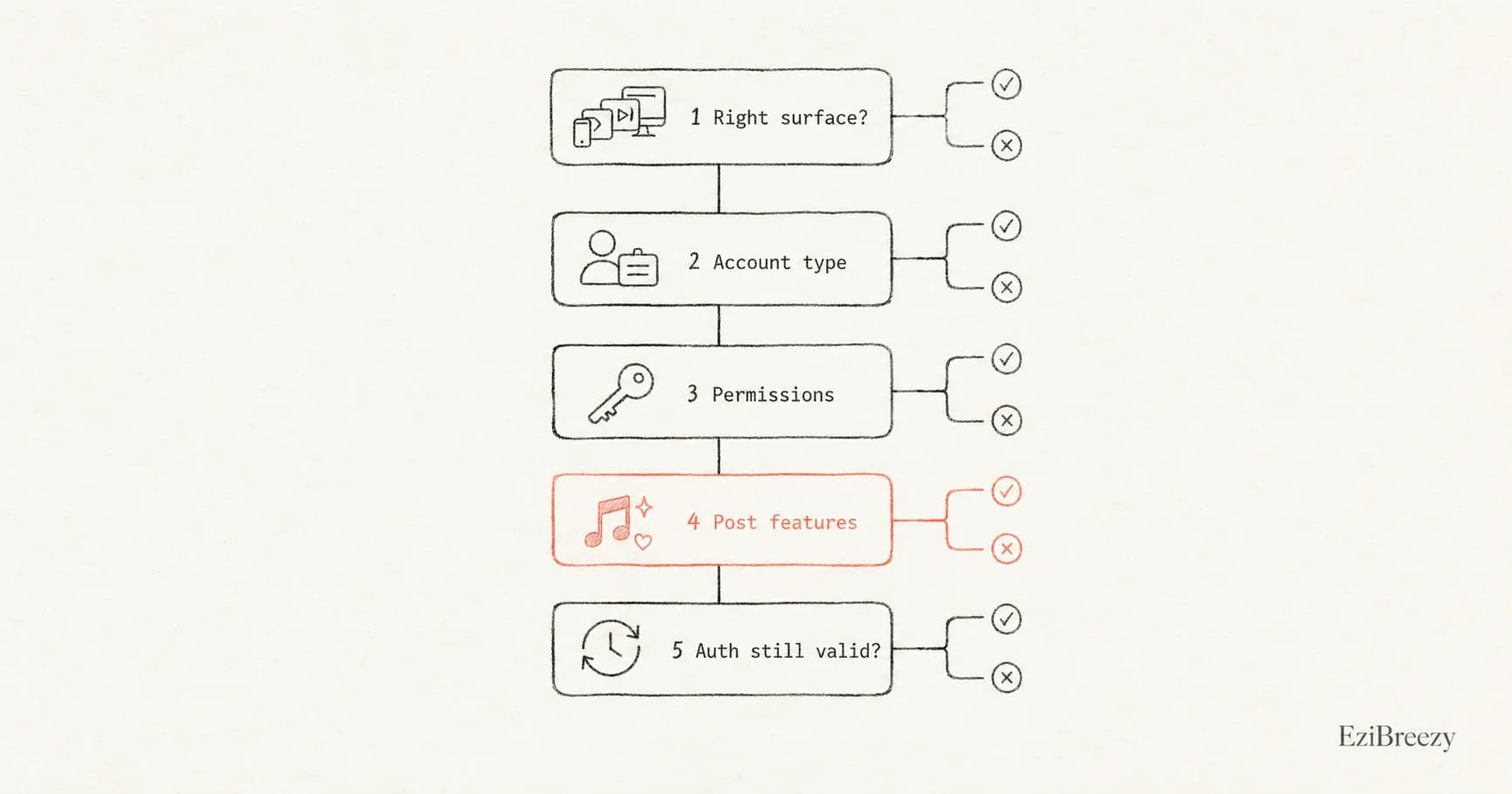
Check the scheduler surface first
The first blocker is usually the surface itself. TikTok's native Video Scheduler is a web and desktop upload workflow, with scheduling from 15 minutes to 10 days ahead. If you are looking for the same control in a different TikTok surface, or trying to schedule beyond that native window, the option can appear to be missing even when scheduling exists.
Third-party schedulers work differently because they rely on TikTok's authorized posting and upload paths. A connected tool can publish supported posts directly, or send content into TikTok as a draft-style handoff when the post needs native finishing.
Check account type, permissions, and authorization
Account setup still matters. TikTok's native scheduler was introduced for creator and business publishing workflows, and TikTok's own documentation still describes scheduling as a business/creator-style web upload feature rather than a universal mobile posting control.
If you are publishing through a third-party TikTok scheduler, permissions are another common failure point. TikTok's Content Posting API uses scoped authorization for direct posting and upload workflows, so an expired connection, missing posting scope, private-mode restriction, or mismatched privacy option can make scheduling fail even though the post itself is fine.
Strip the post back before blaming the scheduler
Test with a plain post: one supported video or photo set, a clean caption, a valid privacy choice, and no app-only finishing touches. If that schedules correctly, the problem is not scheduling as a concept. It is the specific feature mix, account permission, or workflow you used before.
When the post depends on native music, effects, stickers, polls, or another creative feature that lives inside TikTok, use a workflow that clearly separates planning from final publishing. Schedule the straightforward posts directly, and use a handoff reminder when the creative needs to be finished in TikTok.
Next step
Use a TikTok scheduler when native controls feel narrow
Plan posts, keep settings visible, and use a clear handoff for TikToks that still need app-native creative features.
Explore the TikTok schedulerRelated links
Keep exploring the workflow
TikTok scheduler for scheduling posts
Plan TikTok posts in one workflow, then publish directly or hand off the posts that need native finishing.
How to schedule TikTok posts
See a practical workflow for preparing, reviewing, and queueing TikTok content.
Social image resizer
Get the asset into the right shape before you blame the scheduler for a failed upload.
Related questions
Continue inside the TikTok cluster
Can you schedule TikTok posts?
Get the broader answer on what TikTok scheduling looks like before you troubleshoot the missing option.
Does TikTok have a built-in scheduler?
What TikTok's built-in scheduler covers and where its limits start.
Does scheduling hurt TikTok performance?
Useful if you are worried that a scheduler is causing weaker reach.